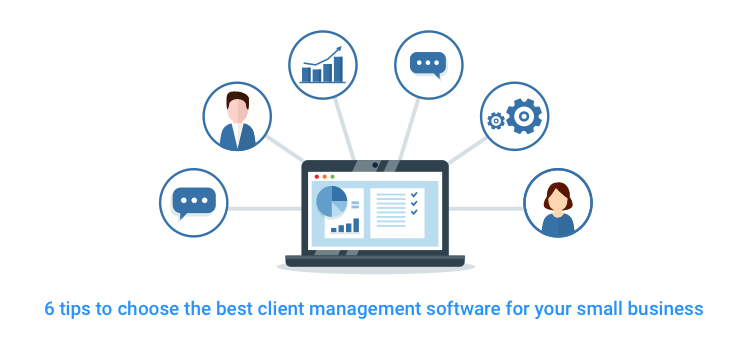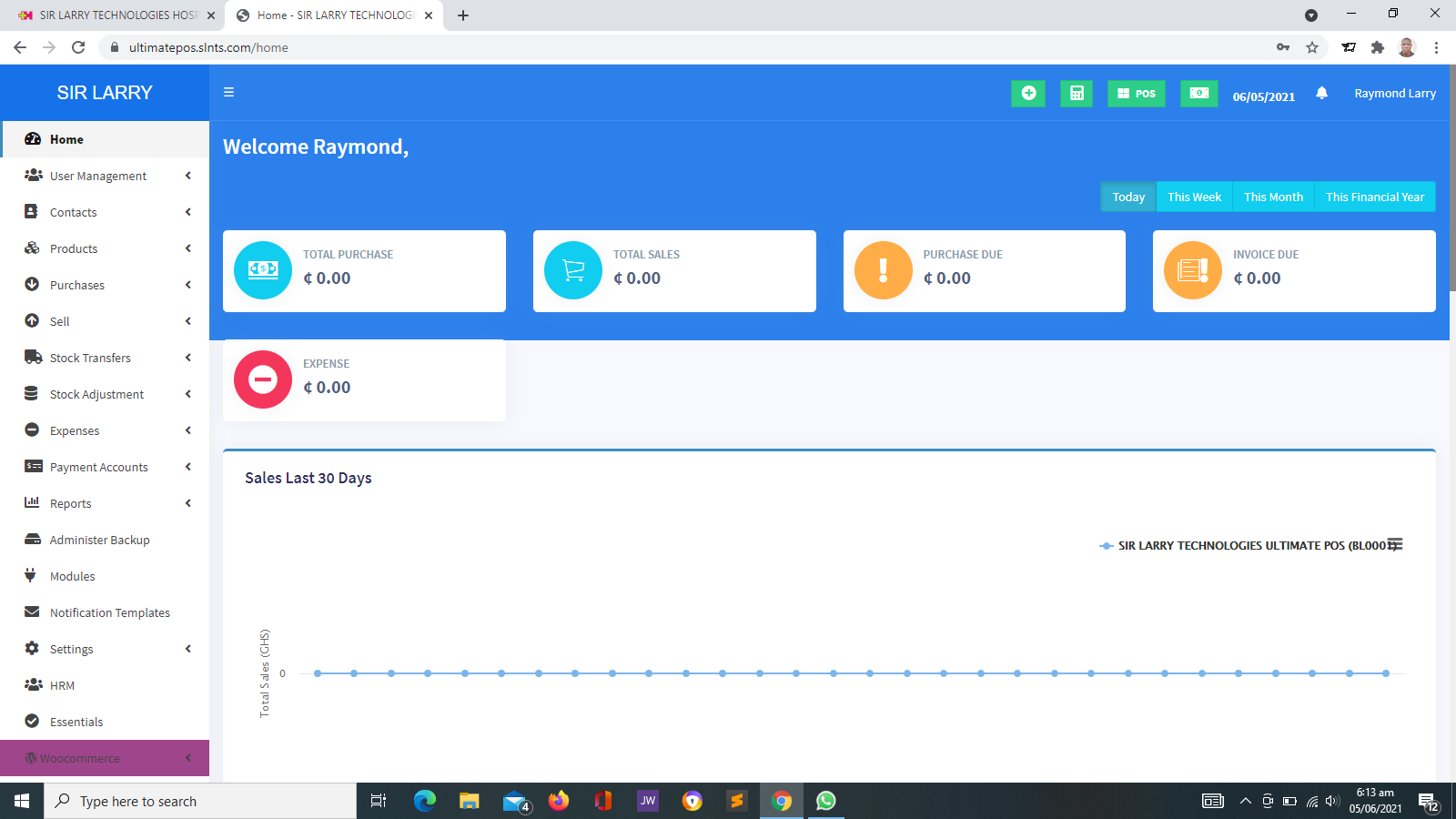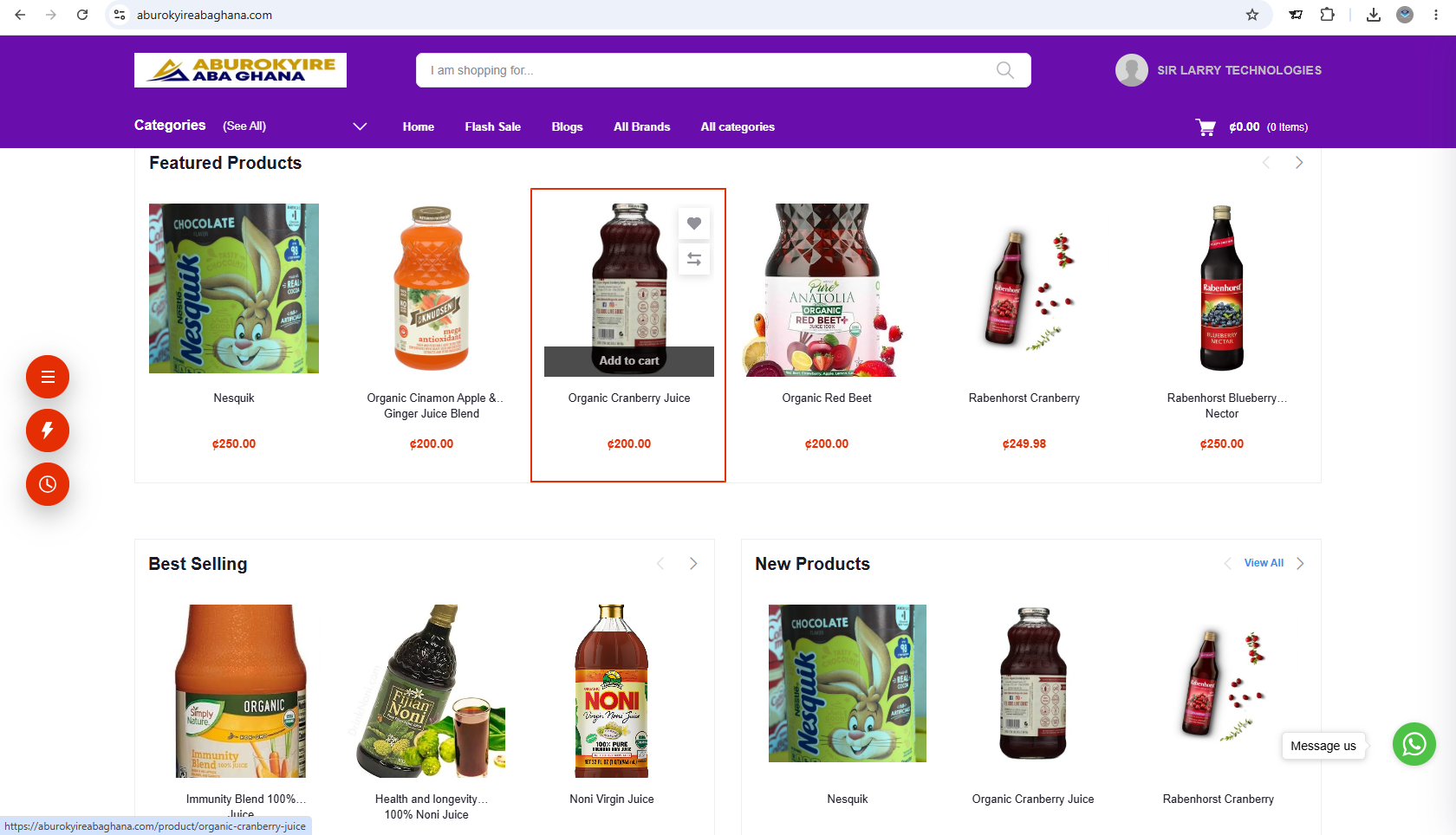
A centralized business management solution designed to bring your organization's operations, resources, records and reporting together in one organized platform.
The Enterprise Resource Planning (ERP) System helps businesses coordinate their day-to-day operations through an integrated management environment. Instead of managing different activities with disconnected records and spreadsheets, organizations can bring relevant business information together in one system.
Depending on the organization's needs and the modules implemented, the system can support inventory, sales, purchasing, finance, human resources, customer records, suppliers, operational activities and management reporting.
With organized information, controlled access and centralized reporting, management can monitor business activities, improve coordination and make better-informed decisions.
Bring essential business functions together to support efficient operations, improved coordination and better oversight.
Track products, stock levels, stock movements and inventory records to help maintain better control over business resources.
Organize sales transactions, customer orders and related records to help staff monitor business sales activities.
Maintain purchase records, organize supplier transactions and support the monitoring of goods and services acquired by the business.
Organize relevant financial transactions, expenses, income and financial records. Accounting capabilities depend on the modules implemented.
Maintain employee records and support staff administration, with additional HR functions available where configured.
Keep customer information and relevant transaction histories organized to support customer service and business relationships.
Maintain supplier details, purchase histories and relevant business records for more organized supplier relationships.
Access organized operational summaries and management reports to monitor performance and support business decisions.
Manage staff access through user accounts, assigned roles and permissions according to each user's responsibilities.
Help departments work with shared business information and coordinate activities through the modules implemented.
Keep essential business records organized and make relevant information easier for authorized users to retrieve.
Manage supported business functions from a central platform instead of relying entirely on separate systems.
An ERP solution can support organizations across different industries, depending on their operational requirements.
Coordinate sales, inventory, purchasing and supplier records.
Support inventory, procurement and production-related workflows where the relevant modules are available.
Organize product stock, sales, purchasing and supplier records.
Coordinate purchasing, resources, expenses and project-related records where supported.
Support administrative and resource management needs, subject to the modules implemented.
Help coordinate administrative, inventory and operational information where appropriate modules are available.
Organize stock, purchasing, supplier information and distribution records where supported.
Coordinate customers, employees, operational records and business reporting.
Connect business activities through an organized flow of information and coordinated processes.
Enter relevant business information, transactions, purchases, employee details and operational records.
Keep information within the relevant modules for easier access and management.
Enable authorized departments to work with relevant shared information and supported workflows.
Review operational activities, records and available reports to understand business performance.
Use organized information to support planning, resource allocation and management decisions.
An ERP system may serve multiple departments and employees. Role-based access helps ensure that users can access the functions and information relevant to their responsibilities.
Build a more organized approach to managing business operations and organizational resources.
Bring supported business records together in one organized management environment.
Reduce repetitive administrative work and help streamline supported business processes.
Review available operational information and reports to understand business activities.
Help departments and authorized staff coordinate their work through shared information.
Organize records and manage access according to assigned responsibilities and permissions.
Support evolving operational needs through an ERP solution with modules suited to the organization.
Depending on the deployment and interface, users can access the system through compatible internet-enabled devices.
ERP deployment can be planned according to your organization's infrastructure, operational needs and access requirements. Depending on the solution, options may include internet-based hosting or deployment within a local network.
The appropriate setup depends on factors such as the number of users, required modules, data storage, connectivity, security, backup arrangements and integration requirements.
Take a more organized approach to managing resources, business processes, records and reporting with an ERP solution from Sir Larry Technologies.
Explore Our Solutions