





Enterprise Resource Planning (ERP) System
Understand how an ERP system connects business operations, centralizes organizational information and supports more coordinated management and decision-making.
1. What Is an ERP System?
ERP stands for Enterprise Resource Planning. It refers to a type of business management software designed to help organizations coordinate multiple operational functions and share information across departments.
For example, when a business purchases new stock, an integrated ERP system may connect the purchasing record with inventory information and the relevant financial records. Authorized users can then access consistent information instead of entering the same transaction separately into several unrelated systems.
ERP systems are used by organizations of different sizes and across many industries. Their complexity can range from relatively simple integrated applications to large systems supporting multiple departments, locations and business entities.
2. Why Do Organizations Need ERP Systems?
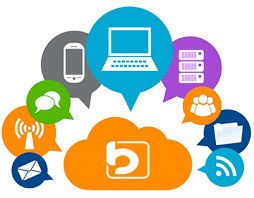
As an organization grows, its operations may become more difficult to coordinate. Separate spreadsheets, paper records and independent software applications can create duplicated work, inconsistent information and delays in reporting.
📊 Centralized Information
Bring relevant operational information into a coordinated environment, reducing dependence on scattered records and disconnected applications.
🔄 Connected Workflows
Connect related activities across departments so that information can move through business processes more consistently.
⏱️ Improved Efficiency
Reduce repetitive data entry and help employees complete routine administrative tasks more efficiently.
📈 Better Reporting
Provide management with consolidated information that can support planning, monitoring and informed decisions.
3. Common Modules of an ERP System
An ERP system may contain several modules. Organizations can select the functions they need based on the solution's capabilities, operational requirements and budget.
💰 Financial Management
May support general ledger records, accounts payable and receivable, financial transactions, budgets and financial reporting.
📦 Inventory Management
Helps track stock quantities, product movement, warehouse records, stock adjustments and inventory valuation where supported.
🛒 Procurement and Purchasing
May support purchase requests, supplier information, purchase orders, goods received and purchasing approvals.
👥 Human Resource Management
Can manage employee records, organizational structures, leave, attendance and other HR activities, depending on the modules available.
🏭 Production and Operations
Manufacturing-focused ERP systems may support production planning, material requirements, work orders and production monitoring.
🤝 Customer and Sales Management
Some ERP solutions include sales orders, customer records, quotations and customer-related workflows or connect to a separate CRM system.
🚚 Supply Chain and Logistics
May help coordinate supplier transactions, stock transfers, distribution, deliveries and related supply chain activities.
📑 Reporting and Analytics
Can provide consolidated reports and dashboards based on the data captured by the modules in use.
4. How an ERP System Works
An ERP system coordinates business activities by allowing authorized users and connected modules to work with related information.
Information Is Entered
Employees record business transactions such as purchases, sales, supplier invoices, employee updates or inventory movements.
The System Processes the Transaction
The software applies its configured rules, validations, permissions and workflow requirements to the information submitted.
Related Modules Receive Relevant Information
Where modules are properly integrated, a transaction can update related records. For example, a confirmed goods receipt may update inventory and provide information needed for accounts payable.
Authorized Users Review the Information
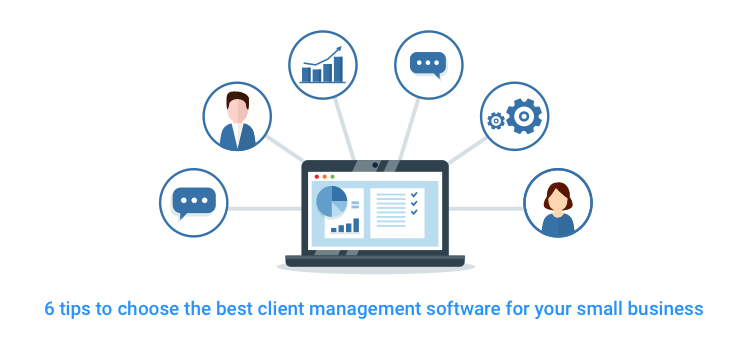
Managers and staff can access records and reports relevant to their responsibilities, subject to their assigned permissions.
Management Uses the Information
Reports and dashboards can help decision-makers review performance, identify discrepancies, plan purchases and monitor operational activities.
5. Key Benefits of an ERP System
Improved Coordination
Departments can work with related information instead of relying entirely on separate records. This can improve coordination between finance, purchasing, inventory and other functions.
Reduced Duplicate Data Entry
When workflows are integrated correctly, information may be entered once and reused by authorized modules. This can reduce repeated work and some forms of data-entry error.
More Consistent Reporting
Consolidated records can help management review transactions and operational results across departments, provided the data is complete and accurate.
Better Process Control
Approval workflows, user permissions and transaction histories can help organizations apply consistent procedures and improve accountability.
Improved Resource Planning
Information about stock, purchasing, finances and operations can help management plan the use of organizational resources.
Support for Organizational Growth
A suitable ERP solution may help an organization manage increasing transaction volumes and more complex workflows as it expands.
ERP Benefits Depend on Implementation
An ERP system does not automatically eliminate errors or guarantee improved performance. Benefits depend on suitable software, accurate data, well-designed workflows, staff training, management support and ongoing maintenance.
6. ERP System vs Other Management Systems
ERP is related to several other types of management software, but the terms are not interchangeable.
ERP vs Accounting System
An accounting system focuses primarily on financial records and accounting workflows. An ERP system can include accounting alongside other operational modules such as inventory, procurement and HR.
ERP vs CRM
A Customer Relationship Management (CRM) system focuses on customer interactions, leads, sales opportunities and follow-ups. An ERP system focuses more broadly on coordinating organizational resources and business operations.
ERP vs POS
A Point of Sale (POS) system records retail transactions and may manage inventory. An ERP system covers a broader set of business functions and may integrate with POS systems.
ERP vs HRMS
A Human Resource Management System (HRMS) focuses on employee-related processes. HR functionality may be included in an ERP or provided through a separate integrated application.
7. Who Can Benefit from an ERP System?
ERP systems are particularly useful when an organization needs to coordinate several connected processes. Their suitability depends on operational complexity, budget, transaction volume and reporting requirements.
- Retail and wholesale businesses: May benefit from connected purchasing, inventory, sales and financial records.
- Manufacturing companies: May use ERP modules for production planning, material requirements, purchasing and financial control.
- Distribution businesses: May need integrated stock, supplier, order and delivery information.
- Professional service companies: May use relevant modules for finance, project costing, resources and client-related processes.
- Multi-branch organizations: May benefit from consolidated reporting and coordinated operations across locations.
- Growing enterprises: May consider ERP when separate systems are no longer adequate for their operational needs.
Smaller organizations may find that a focused accounting, POS, inventory or management application is sufficient. A full ERP system is not automatically necessary for every business.
8. Common ERP Implementation Challenges
💰 Implementation Costs
Licensing, development, data migration, infrastructure, training and ongoing support can make ERP implementation a significant investment.
📂 Data Migration
Moving data from spreadsheets and older systems requires careful preparation, validation and reconciliation.
👥 Staff Resistance
Employees may need time, training and clear communication to adapt to new workflows and responsibilities.
🔗 Integration Complexity
Connecting an ERP to existing applications or third-party services may require technical work and additional expenditure.
⚙️ Process Changes
Organizations may need to review and standardize their processes before they can use the system effectively.
🔐 Security and Access
Sensitive financial, employee and operational information requires appropriate access controls, monitoring and backup arrangements.
9. How to Choose the Right ERP System
Selecting an ERP system requires more than comparing prices or reviewing a list of features. The solution should support the organization's actual processes and future requirements.
Document Business Requirements
Identify the departments, processes, reports and recurring problems that the system must address.
Prioritize Essential Modules
Determine which functions are necessary immediately and which could be introduced in later phases.
Evaluate Total Cost
Consider implementation, licensing, hosting, data migration, training, integrations, maintenance and future upgrades.
Review Security and Reporting
Confirm that the solution offers suitable user permissions, audit capabilities, backup arrangements and reports for your organization.
Assess Integration Requirements
Identify whether the ERP must connect with existing accounting, POS, payment, HR or other applications. Verify technical feasibility and additional charges.
Plan Training and Support
Ensure that users can learn the system and that responsibility for updates, troubleshooting, backups and ongoing support is clearly established.
10. Steps for Successful ERP Implementation
- Assess current operations: Document existing workflows, systems and challenges.
- Define the project scope: Specify the modules, features, integrations and reports required.
- Select an appropriate solution: Compare suitable products and providers against your requirements.
- Prepare the data: Review, clean and validate records before migration.
- Configure the system: Set up workflows, permissions, organizational structures and relevant modules.
- Test important processes: Check transactions, reports, approvals and integrations before going live.
- Train employees: Provide role-specific demonstrations and practical guidance.
- Deploy in a controlled manner: Introduce the system according to an agreed implementation plan.
- Monitor performance: Collect feedback, resolve problems and assess whether the system meets its objectives.
11. ERP Security and Data Management
ERP systems may contain sensitive financial, employee, supplier, customer and operational information. Protecting these records is essential.
- Assign access permissions according to job responsibilities.
- Use strong passwords and multi-factor authentication where available.
- Keep the software, server environment and supported components updated.
- Maintain backups and periodically test recovery procedures.
- Review audit trails and important transactions where supported.
- Establish procedures for account changes when staff join, leave or change roles.
- Confirm how data is stored, exported, retained and recovered.
- Review applicable data protection and legal requirements.
Security responsibilities should be agreed among the organization, software provider and infrastructure provider, rather than assumed to belong to only one party.
12. ERP Systems and Digital Transformation
ERP can play an important role in digital transformation by connecting information and workflows that were previously managed separately.
For example, an organization may move from independent spreadsheets for purchasing, inventory and finance to a coordinated system where approved transactions update related records. This can improve visibility across operations and reduce repetitive administrative work.
However, an ERP project should be part of a broader operational plan. Organizations still need accurate data, trained employees, suitable policies, effective management and regular performance reviews.
13. ERP Solutions and Sir Larry Technologies
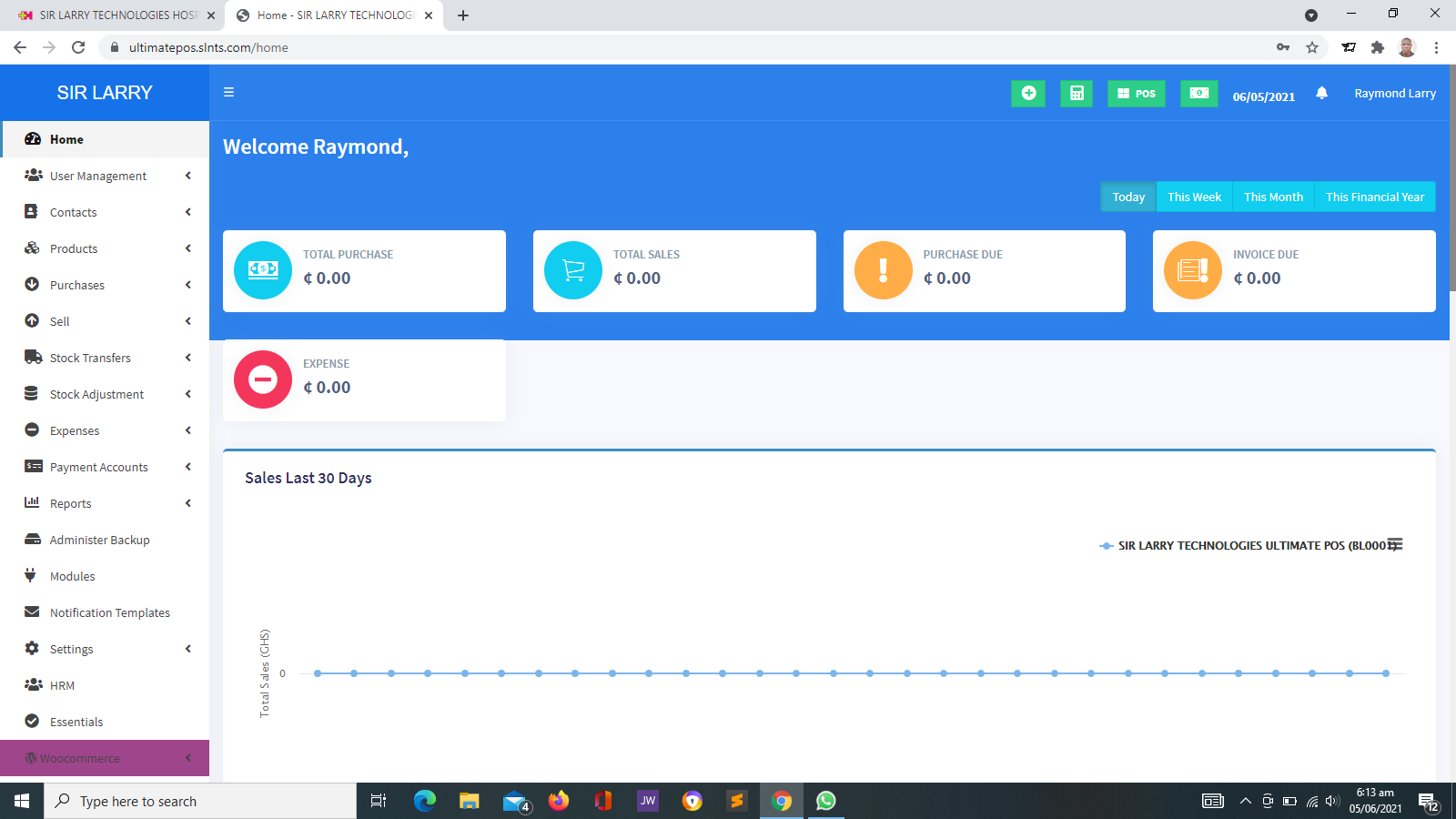
Sir Larry Technologies provides business software and technology services, including website development, POS and inventory systems, and management solutions for different types of organizations.
If your organization is considering an ERP system, the first step is to identify the processes that need to be connected and the problems you want to solve.
Based on your requirements, a discussion can help establish whether you need a comprehensive ERP system, a focused management application or a combination of suitable systems. Any proposed solution should clearly state its features, limitations, implementation scope, infrastructure needs, third-party costs and support arrangements.
14. Frequently Asked Questions
What does ERP stand for?
ERP stands for Enterprise Resource Planning. It refers to software that helps organizations coordinate business processes and manage related information across different functions.
What is the main purpose of an ERP system?
Its main purpose is to connect relevant business processes, reduce fragmented information and support coordinated operations and reporting.
Is ERP suitable for small businesses?
It can be, depending on the business's complexity and requirements. Some small businesses benefit from ERP, while others may need only accounting, POS, inventory or another focused application.
Is ERP the same as accounting software?
No. Accounting software focuses on financial records and related processes. ERP generally covers a broader range of business functions, although some ERP systems include accounting modules.
Can an ERP system integrate with a POS system?
Yes, where the selected systems support an appropriate integration. The technical requirements, available functions and any additional charges should be confirmed before implementation.
How long does ERP implementation take?
The timeline depends on the system's complexity, number of modules, data migration, integrations, staff training and organizational readiness. A detailed implementation plan is needed to estimate the timeline accurately.
Does an ERP system eliminate all manual work?
No. ERP can automate or coordinate certain activities, but some tasks still require human input, review, approval and professional judgment.
What should an organization consider before buying ERP software?
Consider business requirements, available modules, total cost, integration needs, data security, reporting, staff training, implementation support and future maintenance.
Looking for the Right Management Software?
Understand your organization's requirements before investing in a new system. The right technology should help you coordinate operations, manage information and make better-informed decisions.
Visit Sir Larry Technologies to explore business software and digital solutions.
Visit Sir Larry Technologies