








Project Management System: Features, Benefits and Implementation
Learn how a Project Management System helps organizations plan projects, assign tasks, manage resources, monitor deadlines, track budgets and measure progress from start to completion.
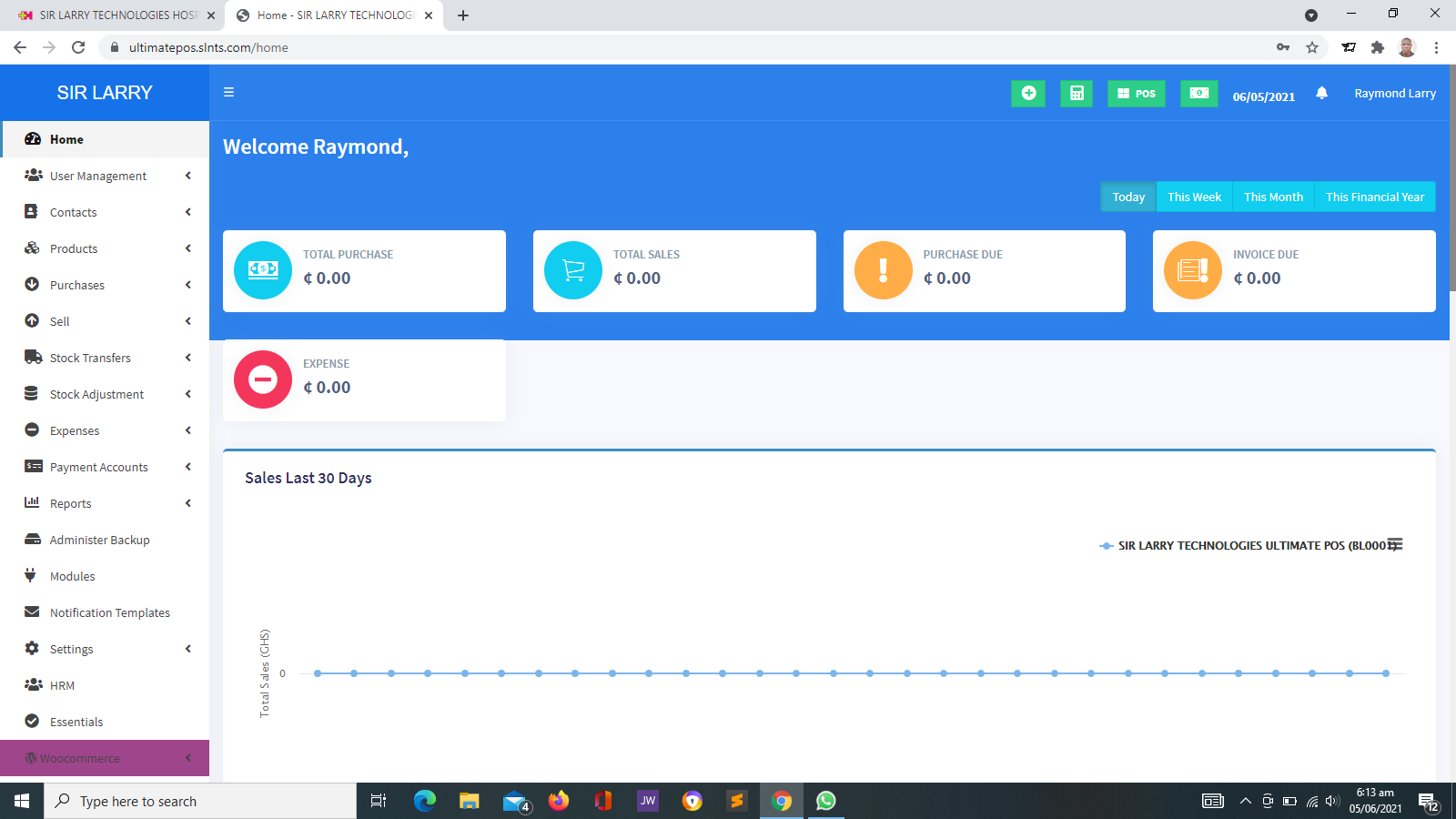
A Project Management System is a digital platform that helps individuals, teams and organizations plan, coordinate, execute and monitor projects. It brings important project information, tasks, timelines, responsibilities, documents and progress updates into an organized environment. Depending on its features, the system can help teams improve collaboration, identify delays and make better-informed decisions throughout a project's lifecycle.
1. What Is a Project Management System?
A Project Management System is software designed to help manage the activities involved in delivering a project. A project usually has a defined objective, a set of tasks, a timeframe, available resources and an expected outcome.
Without a structured approach, project information may be scattered across spreadsheets, emails, messaging applications, paper documents and separate reports. This can make it difficult to know who is responsible for a task, whether work is on schedule or how much of the budget has been used.
A Project Management System provides a central place to organize this information. Project managers can plan activities, assign responsibilities, set deadlines, track progress and share updates with relevant team members.
For example, a construction company may use project management software to coordinate activities, monitor milestones and track project costs. An NGO may use it to manage community projects, deliverables, implementation schedules and reporting. A software development team may use it to organize features, technical tasks, testing and product releases.
2. Why Is a Project Management System Important?
Projects often involve multiple people, deadlines, dependencies, resources and deliverables. Managing these elements manually can become challenging as a project grows in size or complexity.
A Project Management System helps an organization maintain a clearer view of what needs to be done, who is responsible and whether the work is progressing according to plan.
- Provides a central location for project information and updates.
- Clarifies task ownership and individual responsibilities.
- Helps teams monitor deadlines, milestones and deliverables.
- Supports coordination between departments and project teams.
- Helps identify delays, risks and potential resource shortages.
- Improves visibility into project expenditure and resource use when these features are available.
- Supports more consistent project reporting and documentation.
- Helps management evaluate project performance against defined objectives.
3. Key Features of a Project Management System
Project management platforms vary in their capabilities. Common features include the following:
Project Planning
Allows users to define project objectives, scope, deliverables, activities and expected outcomes. A clear plan provides a reference point for implementation and monitoring.
Task Management
Enables teams to create tasks, assign responsibilities, set priorities and update task statuses. Some systems also support subtasks, checklists and recurring activities.
Scheduling and Deadlines
Helps teams set start dates, due dates and activity schedules. Calendar and timeline views can make upcoming deadlines and scheduling conflicts easier to identify.
Milestones and Deliverables
Allows project teams to identify important stages and expected outputs. Milestones help managers determine whether the project is reaching its key targets.
Team Collaboration
Supports coordination through task comments, shared updates, discussions and other communication tools, depending on the platform.
Progress Tracking
Provides visibility into task completion, project status and outstanding work. Dashboards can help managers identify activities that require attention.
Budget and Expense Tracking
Some systems allow project teams to record budgets, expenses and financial commitments. More advanced financial tracking may require accounting integration or dedicated project costing tools.
Resource Management
Helps managers organize the people, equipment, materials and other resources required for project activities. Advanced platforms may support capacity planning and workload analysis.
Risk and Issue Management
Allows teams to document risks, problems, potential impacts and proposed responses. This helps ensure that important issues are recorded and followed up.
Document Management
Provides a structured place to organize project plans, specifications, reports, meeting notes and supporting files, where document management features are available.
Notifications and Reminders
Can notify users about task assignments, approaching deadlines, status changes or project updates through supported notification channels.
Reports and Dashboards
Helps managers review project status, completed tasks, overdue activities, milestone progress and other available indicators to support decision-making.
User Roles and Permissions
Allows administrators to control which projects, documents and functions users can access. This is especially useful when teams handle confidential or restricted information.
System Integrations
Some platforms connect with calendars, communication tools, accounting applications, document storage or development tools to reduce duplicated work.
4. How Does a Project Management System Work?
Although individual systems differ, a typical project management workflow follows these stages.
Define the Project
Establish the project's purpose, scope, objectives, expected outcomes, stakeholders and success criteria.
Build the Project Plan
Break the work into tasks, identify dependencies, establish deadlines and set milestones for measuring progress.
Assign Responsibilities
Allocate tasks to team members and clarify who is responsible for each activity and deliverable.
Execute the Work
Team members complete their assigned activities, update task statuses and share relevant information.
Monitor Progress
Project managers review timelines, deliverables, resource use and risks, then address delays or other problems.
Report and Communicate
Provide project updates to management, clients, sponsors or other stakeholders according to their information needs.
Complete and Review
Confirm that deliverables meet agreed requirements, document outstanding items and review lessons learned.
Close the Project
Record final outcomes, complete required documentation and formally close the project according to the organization's process.
5. Benefits of a Project Management System
Better Organization and Planning
Projects become easier to coordinate when objectives, tasks, deadlines and responsibilities are clearly recorded. Teams can work from a shared plan rather than relying entirely on separate personal records.
Improved Accountability
Task assignments make it easier to identify who is responsible for particular activities. Clear ownership supports follow-up and reduces confusion about outstanding work.
Greater Visibility Into Progress
Project dashboards and status updates help managers understand which activities are complete, which are underway and which require intervention.
More Effective Team Collaboration
Shared tasks, project updates and document access can help team members coordinate their work, particularly when they operate across different departments or locations.
Earlier Identification of Problems
Tracking deadlines, risks and dependencies can help teams identify potential delays before they have a significant impact on project delivery.
Improved Resource Coordination
Where resource management features are available, managers can better understand how people, equipment and materials are allocated across project activities.
More Consistent Reporting
Centralized project information can make it easier to prepare progress reports and communicate project status to management, clients, partners and sponsors.
Better Record-Keeping
Project plans, decisions, documents and status updates can be retained in an organized format, helping teams refer back to important information when needed.
6. Who Can Use a Project Management System?
Project management software is useful for organizations that coordinate activities involving defined objectives, tasks, resources and deadlines.
Businesses and Companies
Businesses can manage product launches, marketing campaigns, operational improvements, client assignments and internal initiatives.
NGOs and Nonprofit Organizations
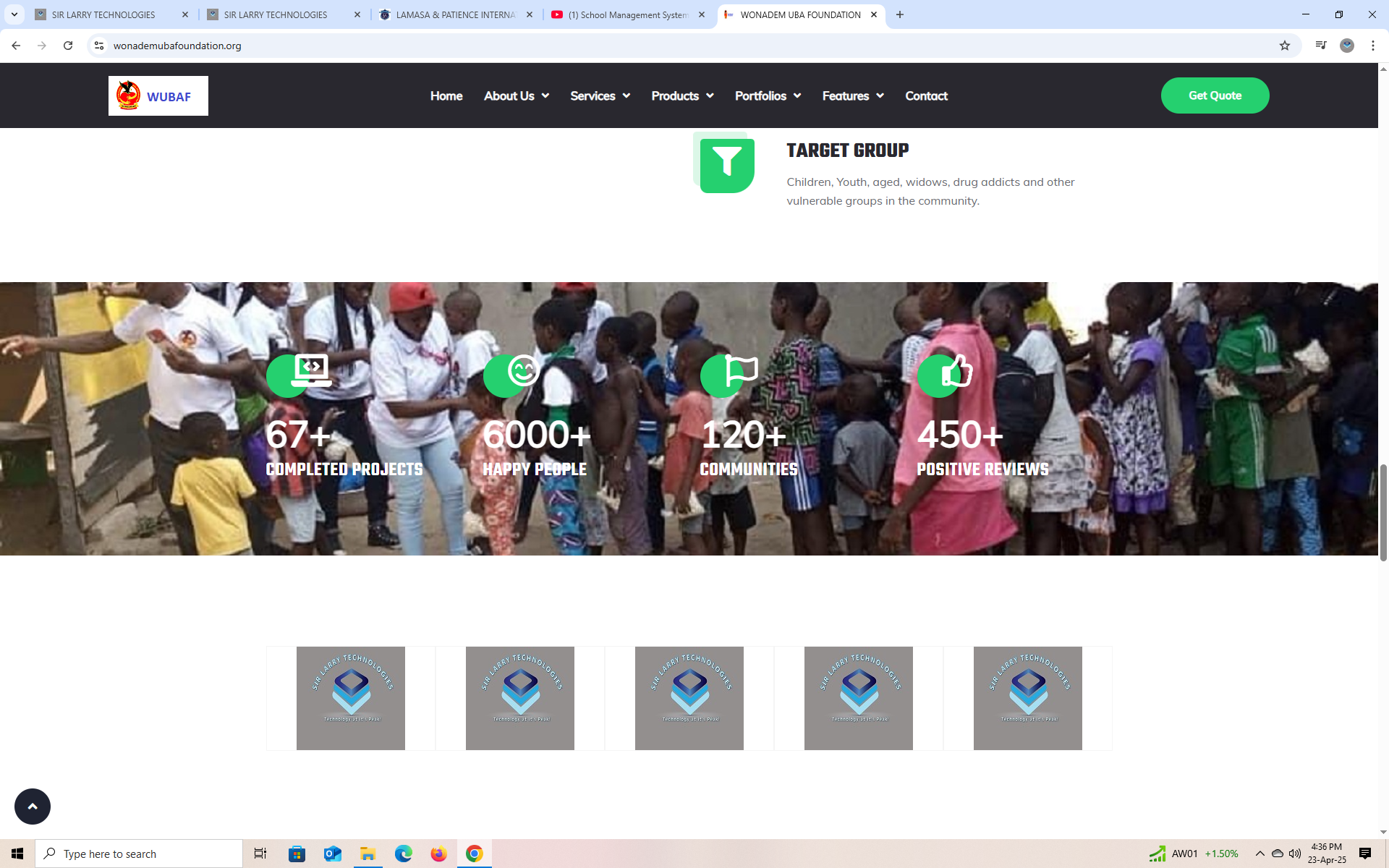
NGOs can organize community projects, assign responsibilities, monitor activities, track deliverables and prepare implementation reports. Budget and donor reporting depend on the features available.
Construction and Engineering
Project teams can coordinate work schedules, subcontractor activities, materials, milestones and project documentation. Specialized construction tools may be required for technical workflows.
Software and IT Teams
Technology teams can manage development tasks, bug reports, testing, feature requests, deployment activities and release schedules.
Schools and Educational Institutions
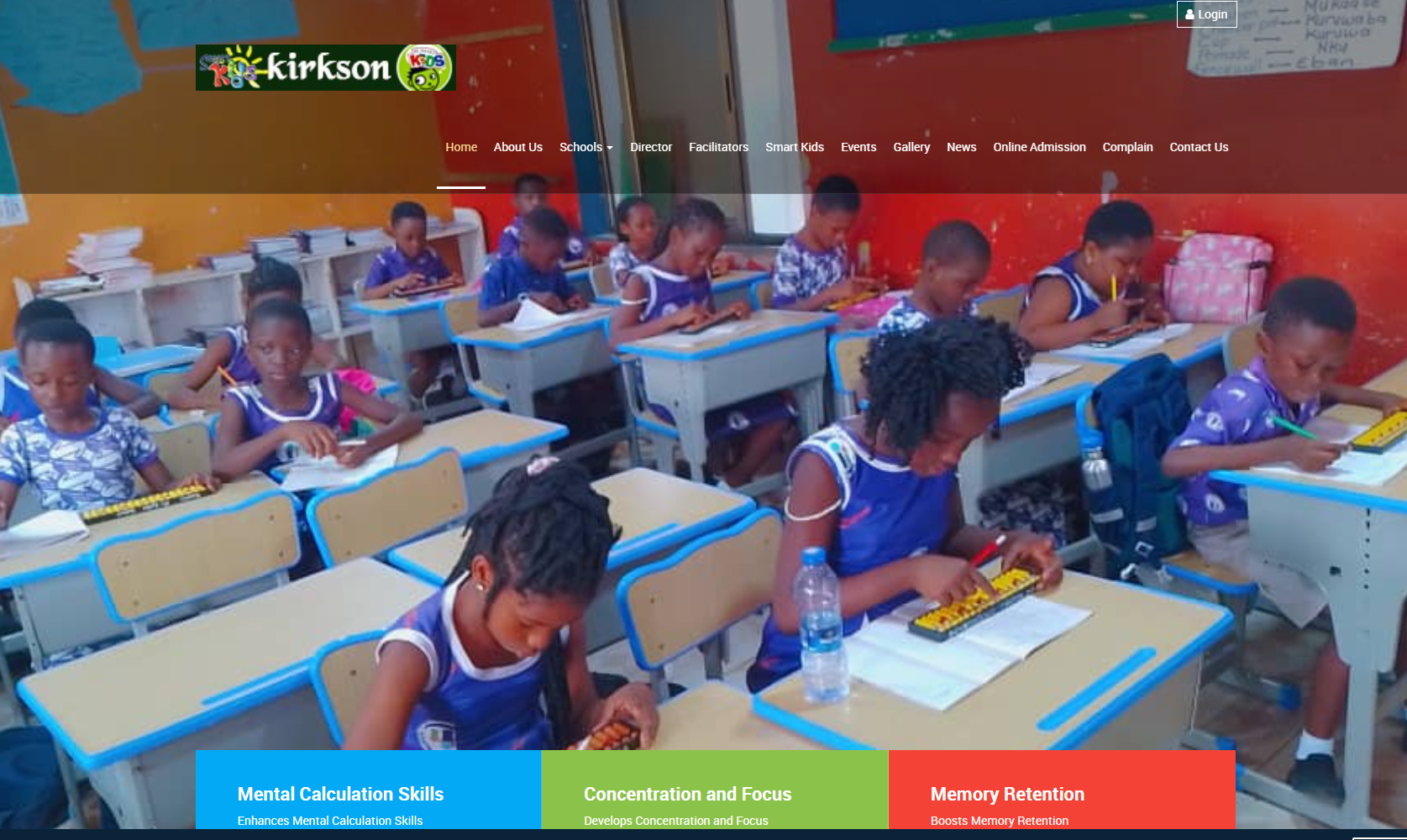
Schools can coordinate academic improvement initiatives, training programmes, infrastructure projects, events and administrative assignments.
Government and Public Institutions
Public institutions can use project management tools to coordinate approved initiatives, monitor milestones and organize reporting, subject to applicable procurement and governance requirements.
Marketing and Creative Teams
Marketing agencies and creative teams can coordinate campaign activities, content production, reviews, approvals and delivery schedules.
Consultants and Project Managers
Consultants can organize client engagements, project deliverables, meetings, follow-up activities and status reports.
7. Project Management System vs. Task Management Tool
A task management tool generally focuses on organizing individual tasks and tracking their completion. A Project Management System usually supports a broader range of project activities, such as planning, scheduling, milestones, resource coordination, risk tracking and reporting.
| Area | Task Management Tool | Project Management System |
|---|---|---|
| Main focus | Individual tasks and to-do lists. | Coordinating an entire project or multiple projects. |
| Scheduling | Usually supports task deadlines. | May support timelines, milestones and task dependencies. |
| Resources and budgets | Often limited or unavailable. | May include resource allocation and financial tracking. |
| Reporting | Usually focuses on task completion. | Can cover project status, milestones, risks and performance. |
| Best suited for | Simple task lists and routine assignments. | Projects with multiple tasks, people, deadlines and deliverables. |
The distinction is not absolute. Some task management tools provide advanced project features, while some project management platforms focus on simpler workflows.
8. Project Management System vs. ERP System
An Enterprise Resource Planning (ERP) system integrates important business processes, which may include accounting, purchasing, inventory, human resources and operations. A Project Management System focuses primarily on planning and coordinating project work.
An organization may use both systems. For example, the project management platform can track tasks, deadlines and milestones, while the ERP system maintains financial transactions, procurement records and inventory. Integration can help connect project activities with wider organizational operations when supported by both platforms.
9. Important Considerations When Choosing a Project Management System
Before selecting a platform, consider how your organization manages projects and what information project teams need to access.
- Project complexity: Choose a system that matches the size, structure and complexity of your projects.
- Ease of use: Team members should be able to understand how to create tasks, update progress and find important information.
- Planning features: Confirm whether the system supports the required schedules, milestones, dependencies and project views.
- Collaboration: Check whether team members can communicate, share updates and work together effectively.
- Reporting: Review the reports and dashboards available to project managers and decision-makers.
- Budget and resource tracking: If these are essential, confirm the level of financial and resource management supported.
- Security and permissions: Evaluate user roles, access controls, data protection and backup arrangements.
- Remote access: Consider browser access, mobile compatibility and the needs of staff working from different locations.
- Integrations: Determine whether the platform must connect with accounting, communication, document management or other business systems.
- Cost: Consider licensing, hosting, setup, training, maintenance, storage and any additional service fees.
- Scalability: Ensure the system can accommodate the expected number of users and projects as the organization grows.
- Support and maintenance: Establish how updates, troubleshooting and user assistance will be handled.
10. How to Implement a Project Management System Successfully
Implementing project management software requires clear objectives, suitable processes and user participation. The following steps can help an organization prepare for a successful rollout.
- Assess current practices: Review how projects are planned, assigned, monitored and reported. Identify the problems that need to be addressed.
- Define requirements: Determine the essential features, user roles, reporting needs, integrations and security requirements.
- Select the platform: Compare available systems against the organization's requirements, technical capacity and budget.
- Establish project standards: Define how projects are created, how tasks are assigned, how progress is updated and how issues are escalated.
- Configure the system: Set up users, permissions, project templates, status categories and reporting options.
- Train users: Show project managers and team members how to use the system in their daily work.
- Start with a pilot project: Test the system with a manageable project, collect feedback and resolve problems before wider deployment.
- Move relevant information: Transfer active project details and essential records where appropriate, checking their accuracy during the process.
- Monitor adoption: Check whether team members are using the system consistently and whether the platform is improving project coordination.
- Review and improve: Refine workflows, templates and reports as the organization gains experience.
11. Common Project Management Challenges
Unclear Project Objectives
Projects may lose direction when the expected outcomes and scope are not clearly defined. Document objectives, deliverables and success criteria before work begins.
Missed Deadlines
Unrealistic schedules, changing requirements and unexpected problems can delay delivery. Use practical estimates, monitor milestones and review overdue activities regularly.
Poor Communication
When project information is scattered across different channels, team members may miss important updates. Agree on where official project information should be recorded and how urgent issues should be communicated.
Unclear Responsibilities
Tasks without clear ownership may be neglected or duplicated. Assign a responsible person to each important activity and explain the expected outcome.
Resource Constraints
Projects may face shortages of staff, funds, equipment or materials. Identify essential resources early and review their availability throughout implementation.
Resistance to New Software
Some team members may prefer familiar tools. Explain why the new system is being introduced, provide training and involve users in improving the workflow.
Incomplete Project Updates
A system cannot provide an accurate picture of progress if users do not update tasks and milestones. Establish a consistent reporting routine and make updating the system part of normal project work.
12. Measuring Project Performance
Organizations should use relevant performance indicators to determine whether projects are progressing as expected. Depending on the project and the system, useful indicators may include:
- Schedule performance: Whether activities and milestones are completed according to the approved timeline.
- Task completion: The number or proportion of tasks completed, outstanding or overdue.
- Budget performance: Actual expenditure compared with the approved budget, where financial tracking is available.
- Deliverable acceptance: Whether completed outputs meet the agreed requirements.
- Resource utilization: How effectively available people, equipment and materials are being used.
- Risk and issue resolution: Whether identified risks and problems are being addressed in a timely manner.
- Stakeholder satisfaction: Feedback from clients, beneficiaries, sponsors or other relevant stakeholders.
- Project outcomes: Whether the completed project achieves its intended objectives.
Performance indicators should be chosen according to the nature of the project. Completing every task on time does not necessarily mean that a project has achieved its intended impact, so outcome measures are also important.
13. The Role of Project Management Systems in NGOs
Non-governmental organizations often manage projects involving communities, volunteers, staff, partners, donors and beneficiaries. These projects may require careful coordination of activities, implementation dates, responsibilities and reporting obligations.
A Project Management System can help an NGO organize project plans, assign activities, monitor milestones, store supporting documents and review implementation progress. Where suitable features are available, it may also support budget monitoring, risk tracking and reporting.
For example, an education-focused NGO implementing a teacher training project could use project management software to coordinate participating schools, schedule training activities, assign team responsibilities, monitor deliverables and record progress against the project plan.
However, a project management platform does not automatically replace every system an NGO may need. Membership records, beneficiary management, accounting, donor management and monitoring and evaluation may require specialized modules, integrations or separate systems.
14. The Future of Project Management Technology
Project management software continues to evolve as organizations adopt more digital tools. Depending on the platform, newer capabilities may include automated workflows, intelligent scheduling assistance, predictive analytics, AI-supported summaries and integrations across business applications.
These tools may help teams organize information, identify patterns and reduce some repetitive work. However, automated recommendations should be reviewed by people who understand the project's context. Clear objectives, responsible management, effective communication and accurate data remain essential to project success.
Conclusion
A Project Management System helps organizations turn project plans into coordinated action. By bringing tasks, schedules, responsibilities, documents and progress information into a structured environment, it can improve visibility, accountability and collaboration.
The most suitable system depends on the organization's project requirements, team structure, budget and working methods. Successful implementation also requires clear processes, proper training, consistent updates and regular evaluation.
When the right software is supported by effective project management practices, organizations are better equipped to coordinate work, address challenges and deliver projects that meet their intended objectives.
Looking for Technology Solutions for Your Organization?
Sir Larry Technologies provides software development and IT services for businesses, schools and organizations. Contact us to discuss your requirements and explore a practical technology solution for your operations.
Visit Sir Larry Technologies