






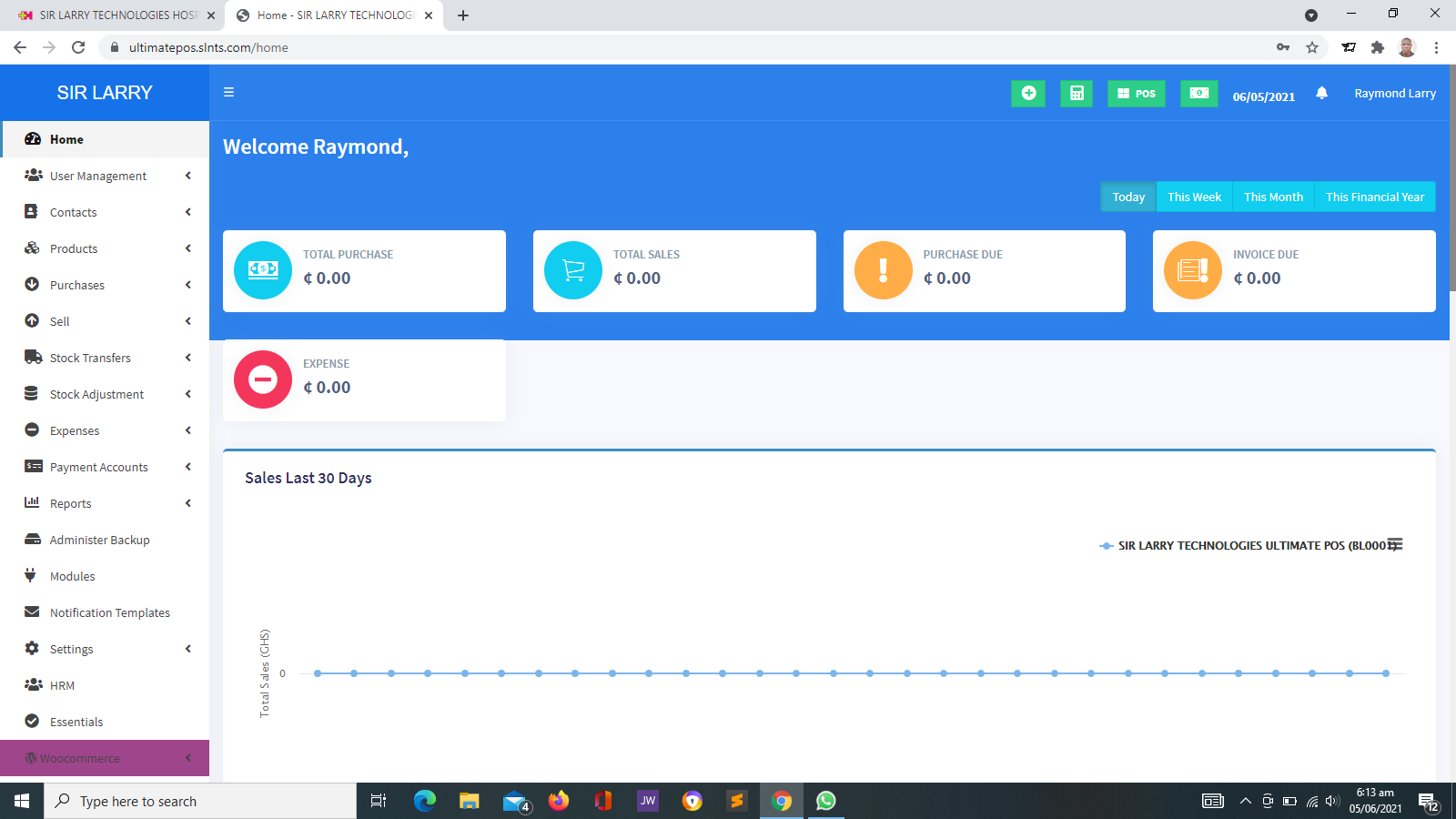


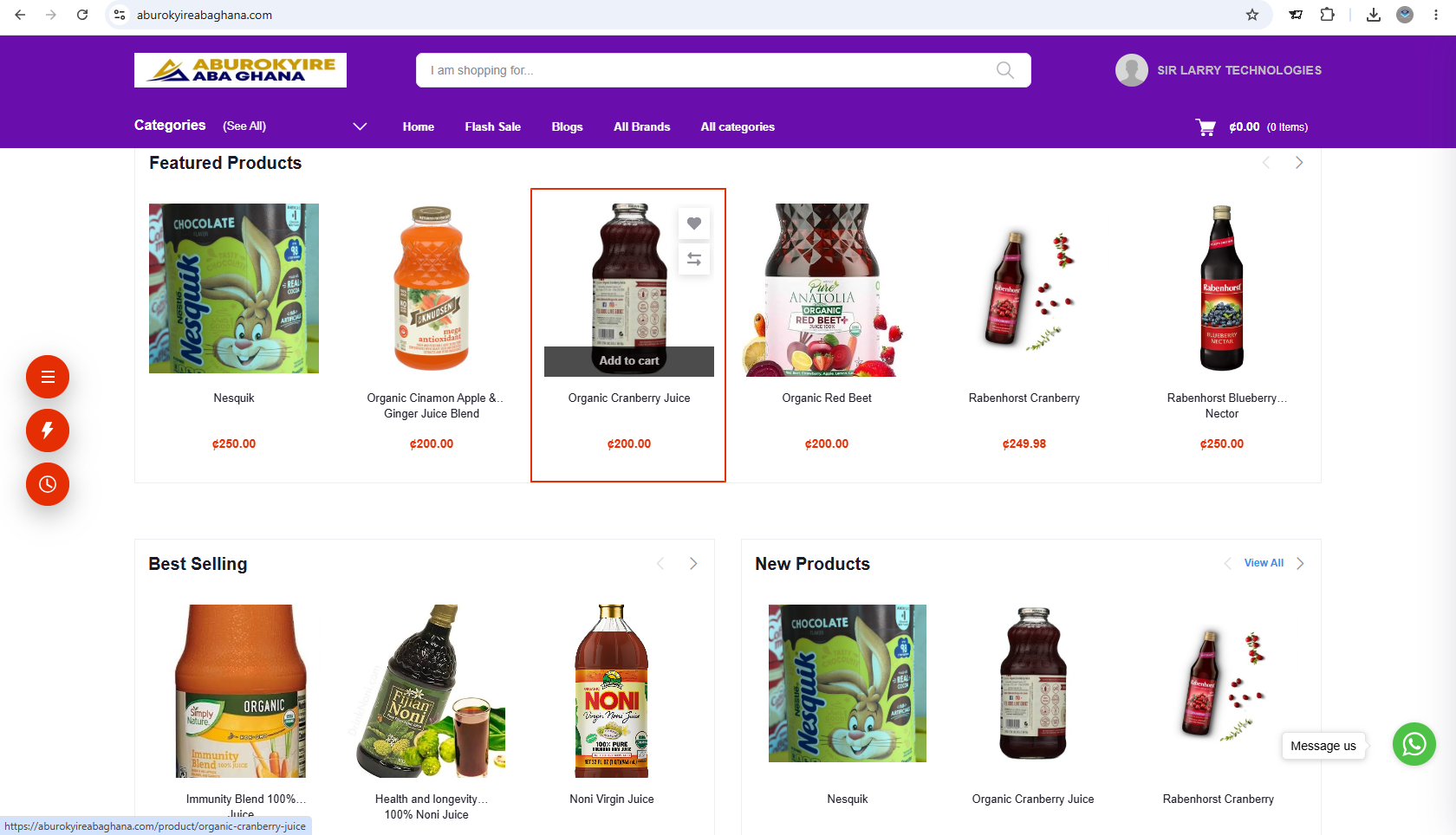
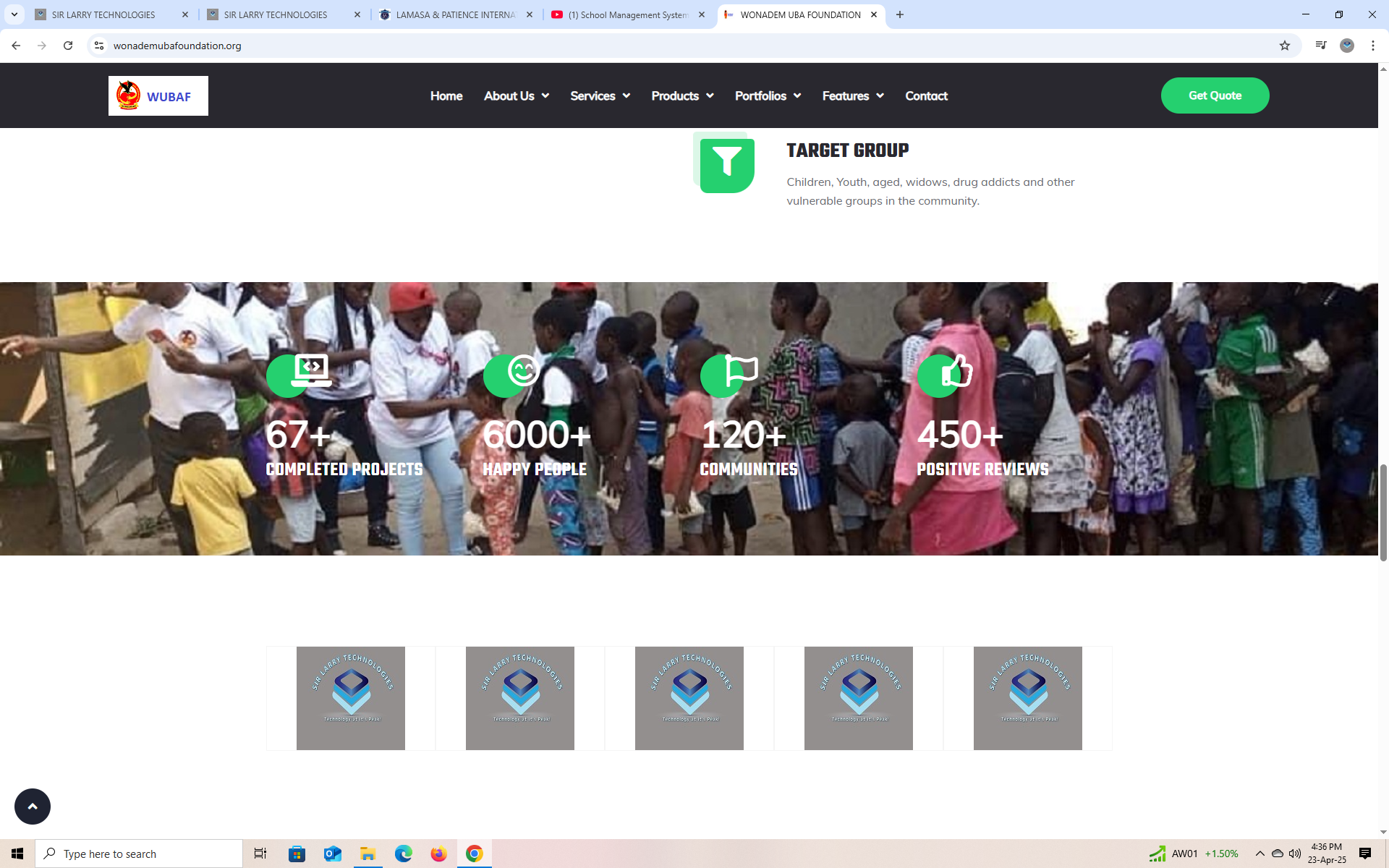
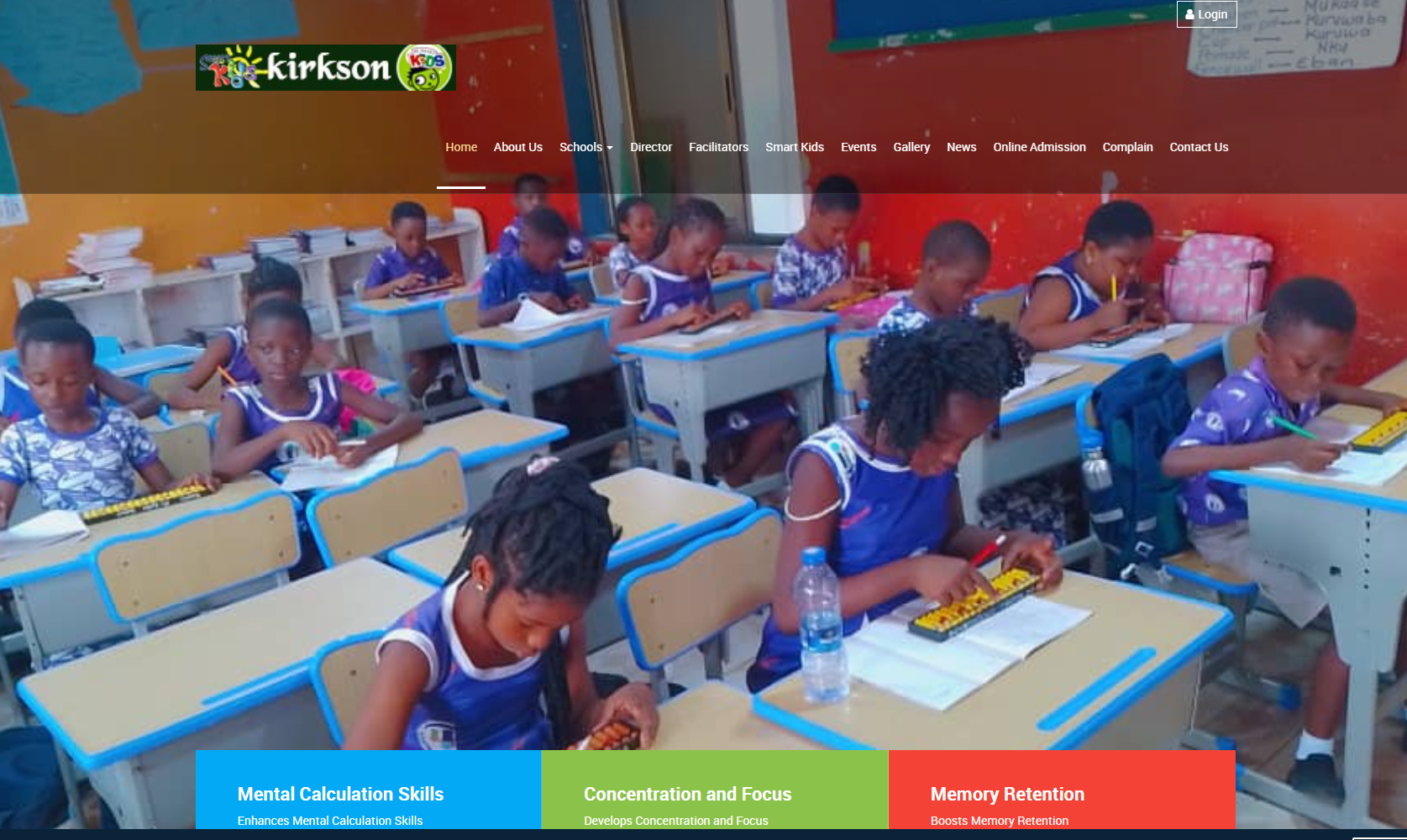

Website Setup, Content Management, Maintenance, Troubleshooting and Updates
Discover how professional website services can help businesses, schools, NGOs, churches and other organizations establish an online presence, keep information current, resolve technical problems and maintain a reliable website.
Your website is more than an online address. It is a place where people learn about your organization, explore your services, contact your team and, where applicable, access your products or digital services. Proper setup, regular maintenance, timely updates and effective troubleshooting help keep your website useful, accessible and secure.
1. What Are Website Setup and Maintenance Services?
Website setup and maintenance services cover the technical and content-related work required to launch a website, keep it functioning and update it as an organization grows.
These services may include registering or connecting a domain, configuring web hosting, setting up security certificates, publishing website pages, managing content, updating software, creating backups, monitoring performance and resolving technical problems.
The exact scope depends on the website platform, its complexity, the organization's needs and the agreed service arrangement.
2. Website Setup Services
Website setup establishes the technical foundation and prepares the website for public use. A properly planned setup helps prevent avoidable problems and gives the organization a clear starting point.
Domain Configuration
Connecting the organization's domain name to the correct website hosting environment, including appropriate DNS configuration where required.
Web Hosting Setup
Configuring a suitable hosting environment for the website based on its expected traffic, functionality, storage requirements and technical needs.
SSL and HTTPS
Configuring an appropriate SSL/TLS certificate so supported website connections can use HTTPS to protect data transmitted between visitors and the website.
Website Design and Structure
Organizing pages, menus, navigation and layouts so visitors can find information easily on desktop computers, tablets and mobile devices.
Platform Configuration
Setting up the selected content management system, website framework or other platform and configuring the necessary basic settings.
Forms and Contact Channels
Setting up contact forms and other agreed communication features, then testing them to confirm that submissions reach the intended destination.
3. Website Content Management
Content management involves creating, editing, organizing and publishing the information visitors see on a website. Accurate, relevant content helps people understand an organization and its services.
Page Updates
Adding or editing pages such as About Us, Services, Programs, Projects, Contact, Frequently Asked Questions and other relevant sections.
Images and Media
Uploading suitable photographs, illustrations, banners, documents and other approved media while keeping file sizes and accessibility in mind.
News and Articles
Publishing announcements, news, blog posts, knowledgebase articles, event reports and other content relevant to the organization.
Menus and Navigation
Organizing navigation menus, page links and calls to action so visitors can move through the website without unnecessary difficulty.
Contact Information
Keeping telephone numbers, email addresses, office locations, opening hours and other public contact details accurate.
Content Quality
Checking spelling, formatting, links, dates and factual accuracy before or after content is published, as agreed.
Content management can be performed by the organization's own staff, an appointed website administrator or an external service provider. The right arrangement depends on how frequently the website changes and the technical skills available.
4. Website Maintenance Services
Website maintenance is the ongoing work of keeping a website in good working condition. It can reduce avoidable downtime, help identify problems early and support a better visitor experience.
Software Updates
Reviewing and applying relevant updates to the website platform, themes, plugins, extensions or other components where applicable and compatible.
Backups
Creating and checking backups of website files and databases where applicable, with a clear approach to storing and restoring them.
Security Checks
Reviewing access permissions, updating vulnerable components, checking for suspicious activity and addressing identified security concerns.
Performance Monitoring
Checking loading speed, image sizes, caching, resource usage and other factors that may affect website responsiveness.
Link and Form Checks
Testing important pages, navigation links, contact forms and other key features to identify broken links or failed submissions.
General Website Review
Checking whether important pages remain accessible, information is current and the website continues to meet its intended purpose.
5. Website Troubleshooting and Technical Support
Troubleshooting is the process of identifying the cause of a website problem and taking appropriate steps to resolve it. Problems can originate from hosting, domain settings, software updates, database errors, security incidents, integrations or incorrect configurations.
Website Not Opening
Investigating possible hosting outages, domain expiry, DNS errors, server problems or other causes of website inaccessibility.
Slow Website
Checking large images, unnecessary scripts, caching, database performance, hosting limitations and other possible causes of slow loading.
Security Warnings
Investigating certificate errors, mixed content, suspicious redirects and other warnings that may affect visitor confidence or website security.
Broken Features
Investigating forms, login pages, plugins, search tools, payment integrations or other website features that no longer work as expected.
Mobile Display Issues
Checking layouts, menus, images and page elements that display incorrectly on mobile phones, tablets or particular browsers.
Errors After Updates
Investigating compatibility problems or configuration changes introduced by updates and restoring normal operation where possible.
Effective troubleshooting should focus on identifying the underlying cause rather than applying temporary fixes without understanding the problem. Some incidents require access to the hosting environment, application logs, source code or third-party service accounts.
6. Website Updates and Improvements
A website should evolve as the organization changes. Updates may involve small corrections, new pages, changes to existing services or more substantial technical improvements.
- Business updates: Adding new services, products, branches, contact information or business announcements.
- Organizational updates: Updating leadership information, programs, projects, reports, events and official notices.
- Design improvements: Refining page layouts, typography, images, navigation and mobile presentation.
- Functional improvements: Adding or improving approved features such as booking forms, search, registration, member portals or payment integrations.
- Content improvements: Revising outdated information, improving readability and organizing content for easier discovery.
- Technical improvements: Reviewing compatibility, performance, accessibility and other technical requirements.
Not every update is a minor maintenance task. Major design changes, new functionality, migrations and redevelopment may need separate planning, pricing and approval.
7. How the Website Service Process Works
A clear process helps the website owner and service provider understand what needs to be done, who is responsible and when the work should be completed.
Initial Discussion
Discuss the website, the organization’s goals, the requested services, current problems and any relevant deadlines.
Assessment
Review the existing website, hosting environment, platform, technical requirements and the scope of work.
Scope and Cost
Agree on the tasks, deliverables, estimated timeline, service charges and any third-party costs before work begins.
Implementation
Carry out the agreed setup, content changes, maintenance, troubleshooting or improvements using appropriate procedures.
Testing and Review
Check the affected pages and functions, verify the requested changes and address identified issues within the agreed scope.
Handover and Support
Confirm completion, communicate relevant findings and explain any agreed ongoing maintenance or support arrangements.
8. Who Needs Website Setup and Maintenance?
Website services can support organizations of different sizes and across many sectors. Examples include:
Businesses
Companies that need service pages, product information, enquiry forms, online sales features or regularly updated business information.
Schools and Training Institutions
Institutions that publish admissions information, academic programs, announcements, events and learning resources.
NGOs and Foundations
Organizations that share their mission, programs, projects, impact reports, volunteering opportunities and approved donation information.
Churches and Ministries
Religious organizations that publish service times, events, announcements, ministry information and online contribution options where applicable.
Healthcare Providers
Clinics, laboratories and other healthcare providers that publish service information, patient guidance, contact details and approved online features.
Professionals and Individuals
Consultants, freelancers, professionals and individuals who need a portfolio, personal website, publication platform or online profile.
9. Benefits of Regular Website Maintenance
A structured maintenance arrangement can help an organization manage its website more effectively. Depending on the website and the work performed, benefits may include:
- Improved reliability: Regular checks can help identify certain problems before they cause prolonged disruption.
- Better security practices: Timely updates, appropriate access controls and backups can reduce some avoidable risks.
- Current information: Visitors are more likely to find accurate contact details, service information and announcements.
- Improved visitor experience: Fixing broken links, display issues and slow pages can make a website easier to use.
- Business continuity: Appropriate backups and recovery procedures can support restoration after certain failures.
- Greater accountability: An agreed service scope helps clarify responsibilities, priorities and completed work.
- Support for organizational growth: The website can be updated as services, programs and operational needs change.
10. What Should You Consider Before Choosing a Website Service Provider?
Before engaging a website service provider, make sure the proposed arrangement matches your needs and gives you a clear understanding of the work involved.
- Scope of services: Confirm whether the engagement covers setup, content management, maintenance, troubleshooting, development or only selected tasks.
- Response arrangements: Ask how support requests are submitted, how urgent issues are handled and whether response times are agreed in writing.
- Pricing: Clarify one-time service charges, recurring maintenance fees and any separate hosting, domain, licence or subscription costs.
- Backups and recovery: Understand how backups are created, where they are stored and how restoration is handled.
- Access and ownership: Establish who owns the domain, hosting account, website content, source code and relevant licences.
- Security and privacy: Ensure access credentials and any personal or confidential information are handled responsibly.
- Reporting: Agree whether you will receive completion notices, maintenance summaries or recommendations for further work.
- Service boundaries: Confirm what is included, what is excluded and which tasks require a separate quotation.
11. Website Maintenance: One-Time Service or Ongoing Support?
Website work can be arranged in different ways, depending on the organization's requirements and budget.
One-Time Service
Suitable for a specific task, such as connecting a domain, fixing an error, updating a set of pages, restoring a backup or resolving a particular technical problem.
Ongoing Maintenance
Suitable for organizations that need recurring website checks, agreed content updates, software maintenance and continued technical assistance.
An ongoing arrangement should specify the frequency of maintenance, the number or type of content updates included, support hours, response expectations and how additional work will be priced.
12. Website Security and Responsible Access
Website maintenance should include sensible measures for protecting the website, its administrators and any information collected from visitors.
- Use strong, unique passwords and multi-factor authentication where supported.
- Give each administrator only the permissions needed for their responsibilities.
- Keep website software and supported components updated.
- Maintain appropriate backups and periodically check whether they can be restored.
- Use HTTPS and configure forms or integrations appropriately for the information they handle.
- Remove access for former staff or service providers when it is no longer required.
- Investigate suspicious activity promptly and follow an appropriate incident-response process.
- Avoid sharing passwords through unsecured channels or giving unnecessary access to sensitive systems.
Organizations that collect personal, financial, medical or other sensitive information may require additional safeguards, access controls and compliance measures suited to their activities.
13. Frequently Asked Questions
How often should a website be maintained?
The appropriate frequency depends on the website's complexity, software, security requirements and level of activity. Security updates and urgent issues may require prompt attention, while other checks can be scheduled weekly, monthly or at another agreed interval.
Can I update my website myself?
Yes. Many websites use content management systems that allow authorized users to edit pages, publish articles and upload images without changing the underlying code. The available features depend on the platform and the permissions assigned to your account.
Will maintenance include new features?
Not necessarily. Routine maintenance usually covers agreed checks, updates and minor corrections. New modules, integrations, substantial design changes and other development work may require a separate assessment and quotation.
Can a website be fixed if it is not opening?
Many website access problems can be diagnosed and resolved, but the solution depends on the cause. The issue may involve the domain, DNS, hosting, software, database, security or another component. An assessment is needed before confirming the likely solution and cost.
Does website maintenance include hosting and domain renewal?
Not automatically. Hosting and domain renewals may be separate costs unless they are explicitly included in the agreed service. Confirm renewal dates, payment responsibilities and account ownership in advance.
What information should I provide when reporting a problem?
Provide the website address, a description of the problem, when it started, the affected page or feature, any error message and the steps needed to reproduce the issue. Screenshots can also help. Do not send passwords or other sensitive credentials through an unsecured message.
14. Conclusion
A well-managed website requires more than an initial launch. Content needs to remain accurate, software must be maintained appropriately, technical problems need attention and improvements should reflect the organization's changing needs.
Whether you operate a business, school, NGO, church, healthcare facility or personal website, defining your website setup, content management, maintenance, troubleshooting and update requirements can help you plan your resources and keep your online presence useful.
The best approach is to establish clear responsibilities, maintain appropriate backups, protect administrative access and agree on a practical support arrangement that fits the website's purpose.
Need Help With Your Website?
Sir Larry Technologies provides website development and IT services. If you need a new website, assistance managing existing content, technical troubleshooting, maintenance or website improvements, get in touch to discuss your requirements and determine the appropriate scope of work.
Visit Sir Larry Technologies