









Technology Tips for Businesses and Organizations
Practical ways to use technology to improve productivity, protect information, strengthen customer relationships and manage everyday operations more effectively.
1. Build a Professional Digital Presence
Customers, partners and members often look online for information about an organization before contacting it. A clear and professional digital presence makes it easier for people to understand what you do and how to reach you.
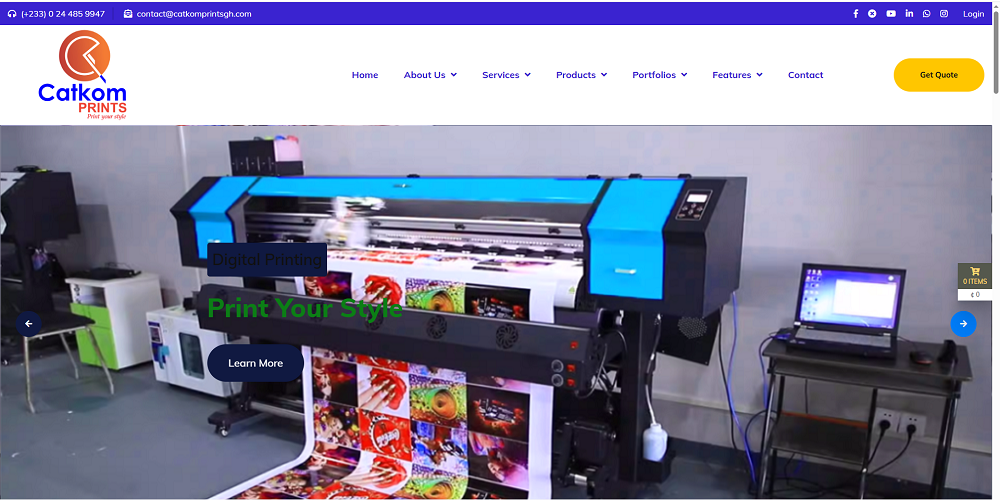
🌐 Create a Professional Website
Present accurate information about your organization, services, location, contact details and other relevant information. Keep the content current and easy to navigate.
📧 Use Professional Email
Where practical, use an email address associated with your organization's domain instead of relying entirely on a personal email account for official communication.
🎨 Maintain Consistent Branding
Use consistent logos, colors, names and contact information across your website, documents and official social media accounts.
📱 Keep Contact Information Updated
Ensure that phone numbers, email addresses, opening hours and service information are accurate wherever your organization appears online.
2. Use Software to Improve Daily Operations
Manual records and disconnected spreadsheets can make it difficult to track activities, find information and prepare reports. Suitable software can help organizations manage information more consistently.
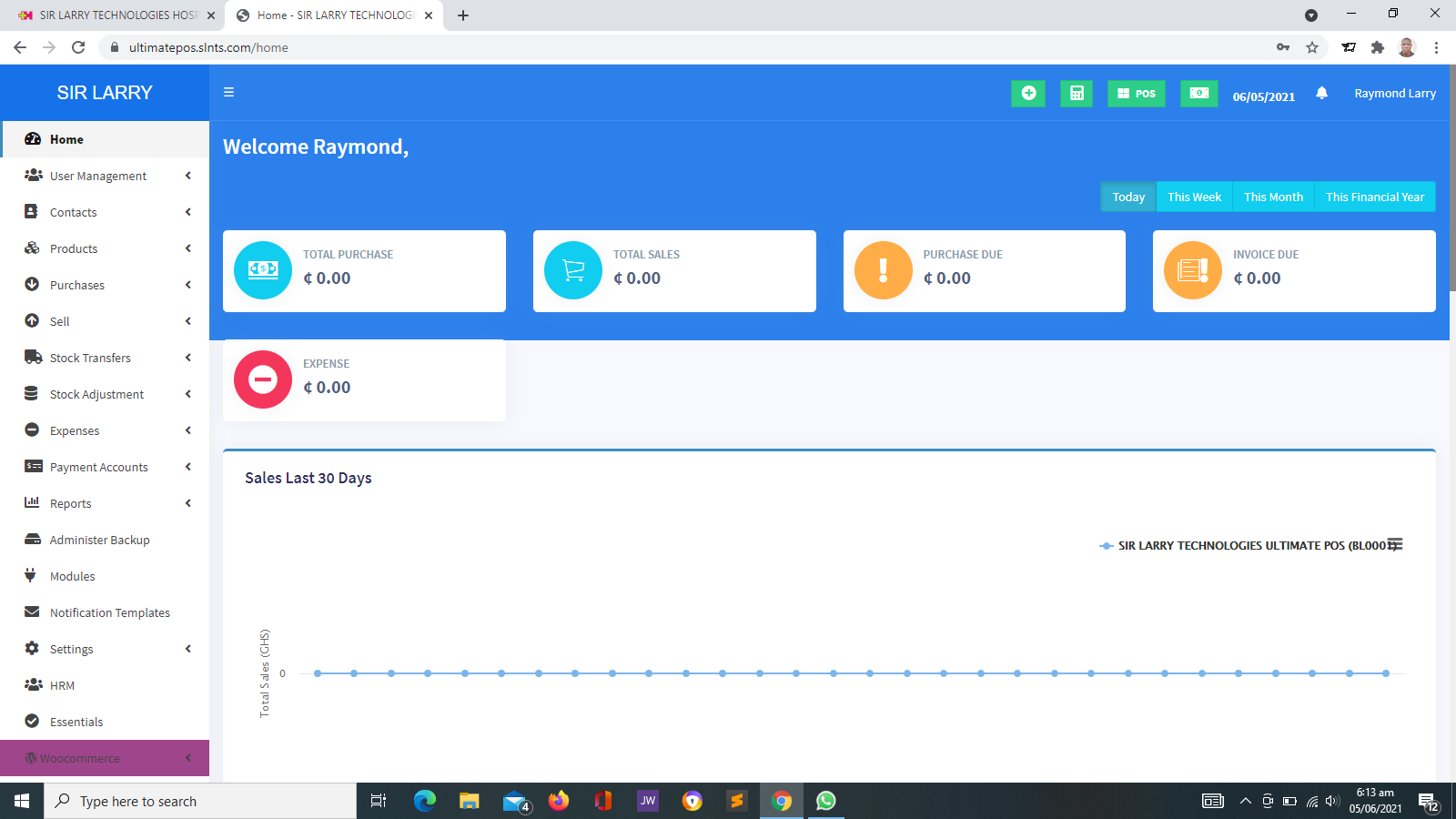
- Retail businesses: Consider POS and inventory software for sales recording and stock monitoring.
- Schools: Explore school management tools for appropriate student, staff and administrative records.
- NGOs: Consider systems for project information, beneficiaries, memberships and reporting.
- Churches: Explore tools for membership records, groups, attendance, events and contributions.
- Healthcare providers: Assess suitable solutions for patient registration, appointments, laboratory workflows and reporting.
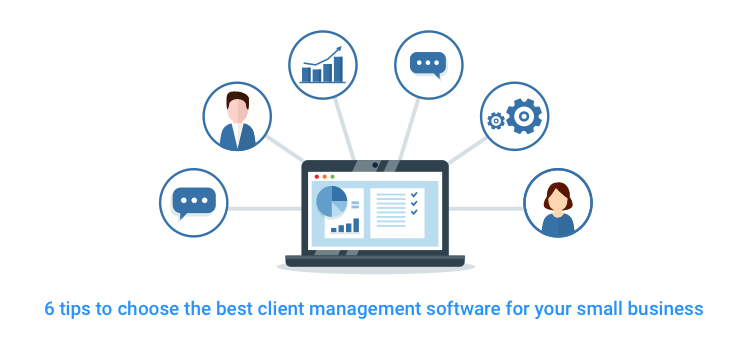
- Service businesses: Consider client management tools for enquiries, communication, follow-ups and service records.
Choose Software Based on Your Needs
Before selecting a system, list the problems you want to solve, the records you need to manage and the reports you expect. Confirm the available features, costs, training requirements, data protection arrangements and support options before committing.
3. Protect Your Business Information
Digital information is valuable. Losing access to business records or exposing sensitive data can disrupt operations and damage trust. Every organization should establish basic security practices.
🔑 Use Strong Passwords
Create long, unique passwords for important accounts. Consider using a reputable password manager to store them securely.
🛡️ Enable Multi-Factor Authentication
Where available, use an additional verification method to make unauthorized account access more difficult.
👤 Limit User Permissions
Give each employee access only to the information and functions required for their role. Review access when responsibilities change.
💾 Back Up Important Data
Maintain backups of essential records and verify periodically that the information can be restored when needed.
Also keep supported software updated, use trusted devices and networks, and establish a process for reporting suspected security incidents.
4. Make Data Backups a Routine
A computer failure, accidental deletion, malware incident or hosting problem can result in the loss of important information. A backup strategy reduces the risk of losing data permanently.
- Identify which files, databases and records are essential.
- Set a backup frequency that reflects how often the information changes.
- Keep backup copies separate from the main system where practical.
- Restrict access to backup storage.
- Monitor whether scheduled backups complete successfully.
- Test restoration periodically instead of assuming every backup will work.
For websites and business applications, clarify whether backups are provided by the hosting service, the software provider or your own organization. Do not assume that hosting automatically includes a complete and independently recoverable backup strategy.
5. Improve Customer Communication
Technology can help businesses and organizations respond to enquiries, provide updates and maintain better communication with their audiences.
✉️ Organize Email Communication
Use clear subject lines, professional language and appropriate response times. Shared organizational inboxes can help teams manage common enquiries.
📩 Use SMS Responsibly
Where appropriate, SMS can support reminders, appointment notifications and service updates. Check consent requirements, message costs and the accuracy of recipient information.
📇 Maintain Accurate Client Records
Keep contact information organized and record relevant interactions using an appropriate system. Limit access to personal information.
💬 Respond Through Official Channels
Make it clear which phone numbers, email addresses, websites and social media accounts are officially managed by your organization.
When introducing automated messages or client management tools, verify that the chosen service supports the required communication channels and that recurring fees are understood.
6. Manage Sales and Inventory More Effectively
Businesses that sell goods need accurate sales records and a clear understanding of stock movement. Relying only on memory or informal notes can make it difficult to detect discrepancies.
Practical tips include:
- Record sales consistently and issue receipts where appropriate.
- Keep product names, prices and stock quantities accurate.
- Review stock levels and investigate discrepancies.
- Restrict access to sensitive sales and inventory functions.
- Reconcile system records with physical stock at appropriate intervals.
- Review sales reports to identify patterns and inform purchasing decisions.
A POS and inventory system can support these activities, but its reports are only useful when products, transactions and stock adjustments are recorded correctly.
7. Take Advantage of Cloud Services Carefully
Cloud services allow organizations to use online applications and store or access information through supported internet-connected devices. Examples include email services, file-sharing platforms, hosted websites and online business applications.
Before adopting a cloud service, consider the following:
- Whether it meets your operational requirements.
- Its subscription fees and renewal terms.
- Who can access stored information.
- Available security controls and backup arrangements.
- How data can be exported if you change providers.
- What happens if the service is unavailable or your subscription ends.
Cloud services can improve convenience and collaboration, but they still require careful account management, security and contingency planning.
8. Use Artificial Intelligence Responsibly
Artificial Intelligence (AI) tools can assist with tasks such as drafting documents, generating ideas, summarizing non-sensitive information and organizing work. Their usefulness depends on the task, the quality of the input and how the output is checked.
Good Practices When Using AI
- Verify factual claims before using AI-generated content.
- Review calculations, recommendations and important decisions carefully.
- Avoid entering confidential customer, employee, patient or financial information into tools that are not approved for that purpose.
- Check whether generated content is appropriate for your audience and organization.
- Follow applicable privacy, copyright and organizational policies.
- Keep human oversight for decisions that require professional judgment.
AI should support informed work, not replace necessary verification, professional responsibility or human judgment.
9. Improve Online Payment Practices
Organizations that accept online payments should make transactions convenient while maintaining clear records and sensible security procedures.
- Use a suitable payment provider and follow its onboarding requirements.
- Display clear payment instructions and applicable charges.
- Use secure, supported payment integrations.
- Verify payment status through the provider or system before confirming an order or service.
- Reconcile payment records with business records.
- Protect transaction references and sensitive customer information.
- Understand transaction charges, settlement periods and refund procedures.
In Ghana, Mobile Money may be a relevant payment option for many organizations. Availability depends on the selected provider, account eligibility, integration and transaction requirements.
10. Train Staff to Use Technology Properly
Even well-designed software can be underused if employees do not know how to operate it. Training helps staff follow consistent procedures and reduces avoidable mistakes.
- Provide practical demonstrations based on actual job responsibilities.
- Prepare simple user guides for common tasks.
- Teach staff how to identify suspicious messages and protect accounts.
- Explain how to report system errors and request support.
- Train new employees before granting access to important systems.
- Refresh training when procedures or software change significantly.
Assigning a responsible staff member to coordinate basic technology matters can also improve communication between users, management and technical support providers.
11. Keep Websites and Software Updated
Outdated software may contain known security weaknesses or become incompatible with newer devices and services. Updates can also introduce improvements and correct errors.
Organizations should:
- Maintain an inventory of important applications and services.
- Apply supported security updates in a timely manner.
- Back up important data before significant updates where appropriate.
- Test critical changes when possible before applying them to live systems.
- Renew domains, hosting and relevant subscriptions before they expire.
- Confirm who is responsible for maintaining each website or application.
For business-critical systems, agree on maintenance responsibilities and procedures for addressing failures or unexpected changes.
12. Control Technology Costs
Technology expenses may include devices, software, internet connectivity, domain registration, hosting, subscriptions, payment processing, SMS credits, staff training and technical support.
To manage these costs effectively:
- Prepare a technology budget and review it regularly.
- Distinguish one-time setup costs from recurring expenses.
- Identify services that are no longer used.
- Compare solutions based on value, suitability and total ownership cost.
- Review renewal dates and avoid unexpected service interruptions.
- Confirm third-party charges before enabling paid integrations.
- Invest first in technology that addresses important operational needs.
13. Establish a Simple Technology Policy
A written technology policy helps staff understand how organizational devices, accounts, software and information should be used.
A practical policy may cover:
- Acceptable use of computers, phones and internet access.
- Password and account security.
- Access permissions and account closure when staff leave.
- Handling and sharing confidential information.
- Data backup and retention procedures.
- Installation of software and applications.
- Reporting lost devices, suspicious activity or security incidents.
- Responsibilities for website and software maintenance.
The policy should be appropriate to the organization's size, risks and applicable legal obligations. Staff should be informed about the rules and know where to ask questions.
14. A Practical Technology Checklist
Use this checklist to review your organization's current technology practices.
Monthly Technology Review
- ☐ Are our website and contact details accurate?
- ☐ Are important accounts protected with strong passwords?
- ☐ Is multi-factor authentication enabled where available?
- ☐ Are backups running and can important data be restored?
- ☐ Are our devices and supported applications updated?
- ☐ Are staff accounts and access permissions appropriate?
- ☐ Are payment, sales or operational records being reconciled?
- ☐ Are hosting, domain and subscription renewals being monitored?
- ☐ Do staff know how to report technical problems?
- ☐ Are we paying for services that we no longer need?
15. When Should You Seek Professional Technology Support?
Some problems can be resolved through basic troubleshooting, but others require specialist assistance. Consider professional support when:
- Your website is unavailable or repeatedly displaying errors.
- Important business records need migration to a new system.
- You need a management application that fits specific workflows.
- Payment, email or SMS integrations require configuration.
- You suspect unauthorized access or a security incident.
- Your organization needs a reliable backup and recovery arrangement.
- Existing systems need to be reviewed before a major change.
When seeking assistance, describe the problem, when it started, the affected system and any error messages. Never send passwords or verification codes in a support request.
16. How Sir Larry Technologies Can Help
Sir Larry Technologies provides technology services for businesses and organizations seeking to establish or improve their digital operations.
🌐 Website Development
Professional websites designed around an organization's information, audience and intended functions.
🧾 POS and Inventory Systems
Software solutions to help businesses record sales, monitor inventory and review operational information.
🏢 Management Software
Suitable management system options for organizations such as schools, churches, NGOs and healthcare providers.
🔗 Digital Integrations
Assessment and implementation of suitable payment, SMS, email and other integrations based on project requirements.
The most appropriate service depends on your specific requirements. Project scope, features, infrastructure, third-party charges, delivery timelines and support arrangements should be confirmed before work begins.
17. Frequently Asked Questions
What is the most important technology tip for a small business?
Start by identifying the biggest operational problem and choose a suitable solution. Protect important accounts and records, maintain backups and ensure staff know how to use the technology correctly.
Does every business need a website?
A website can help businesses explain their services, establish an online presence and provide customers with reliable information. Whether a website is the immediate priority depends on the business model and its objectives.
How can an organization reduce technology expenses?
Prepare a budget, review subscriptions, compare total ownership costs and prioritize solutions that address important needs. Include recurring charges such as hosting, renewals, support and third-party services.
How often should business data be backed up?
The appropriate frequency depends on how important the data is and how often it changes. Records that change frequently may need more frequent backups. Organizations should also test that backups can be restored.
Is cloud storage completely safe?
No storage method is risk-free. Security depends on the provider, account protection, permissions, configuration and the organization's own practices. Important information should have appropriate access controls and backup arrangements.
Can technology help an NGO, church or school?
Yes. Appropriate systems can help organize records, coordinate activities, improve reporting and support communication. The system should match the organization's actual needs and available resources.
How can Sir Larry Technologies assist my organization?
Sir Larry Technologies can discuss your requirements and assess suitable options for websites, POS and inventory systems, management software and digital integrations. The scope and cost depend on the services required.
Make Technology Work for Your Organization
Practical technology decisions can help your organization improve productivity, protect important information and serve customers, members and beneficiaries more effectively.
Visit Sir Larry Technologies to explore website development, business software and digital solutions.
Visit Sir Larry Technologies